
In this article, I will show you how to add Clicky analytics to your AMP site.
You will find this option in WordPress admin area -> AMP option panel -> Settings -> Analytics.

Scroll down a little to see this option

- Clicky Analytics: First Enable this option
- Clicky Site ID: You need to enter your site ID here
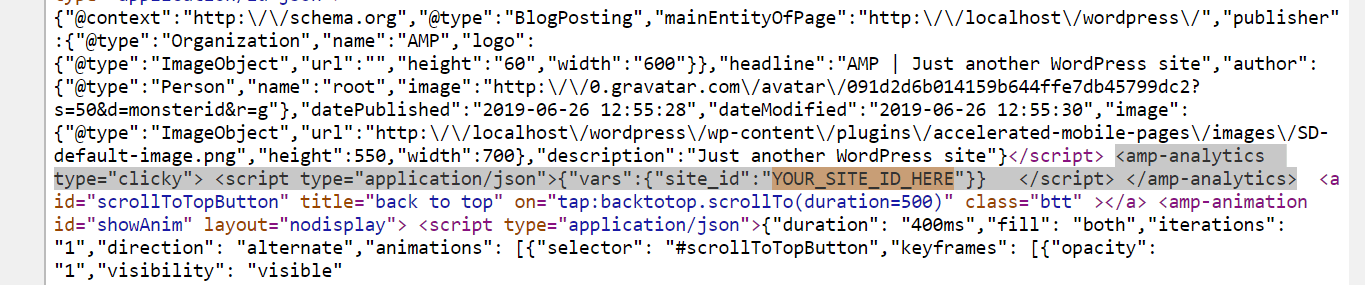
Once you added the clicky site ID go to the source code of your website and search for the site ID and if you find it then it means you have successfully added it
That’s it for this tutorial!
We hope it helped you. If you have any feedback or questions, then please share them in the comments section below.