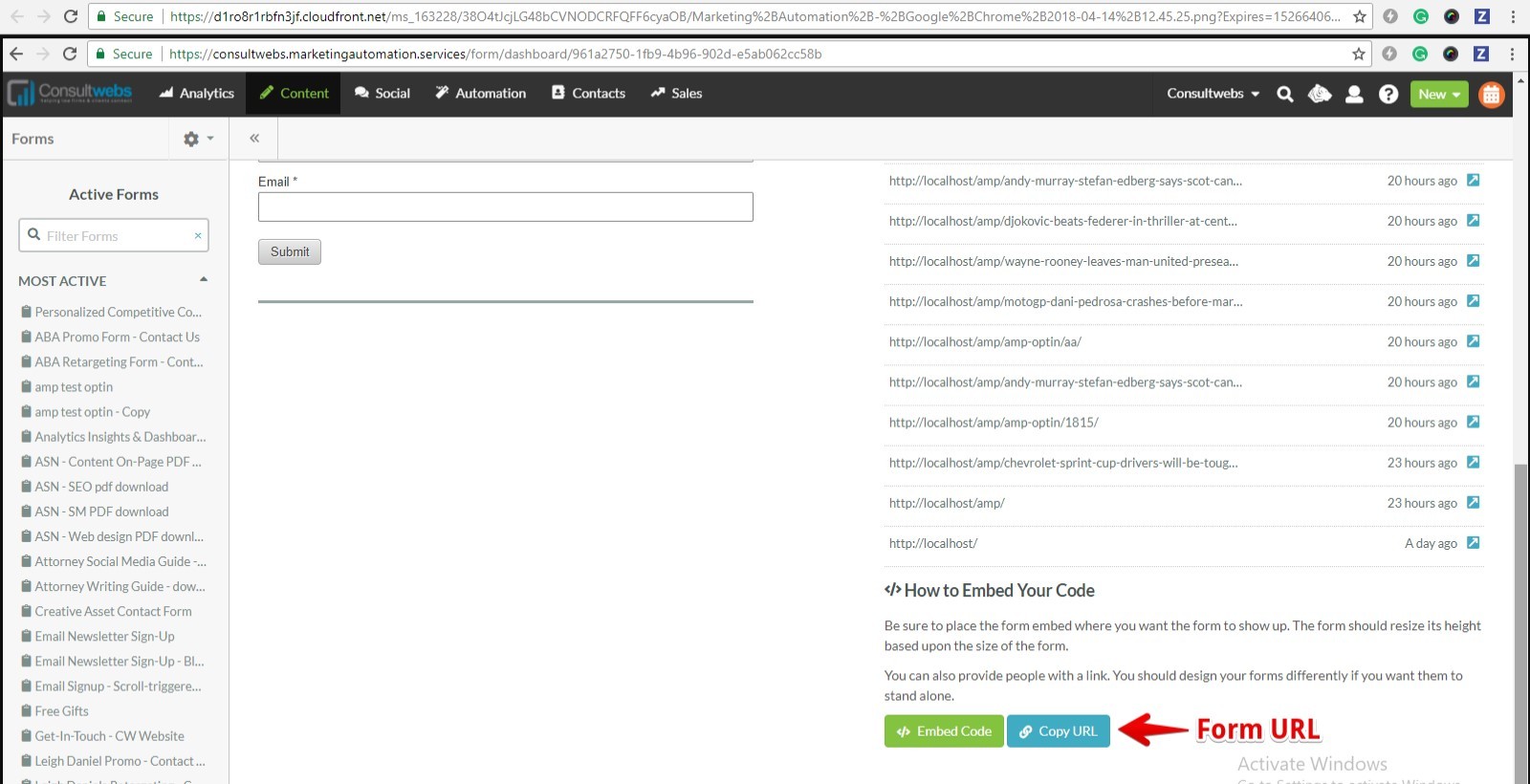
Step 2: Go to the bottom of that specific form and copy the form URL and Paste this form URL in AMP Opt-in form.
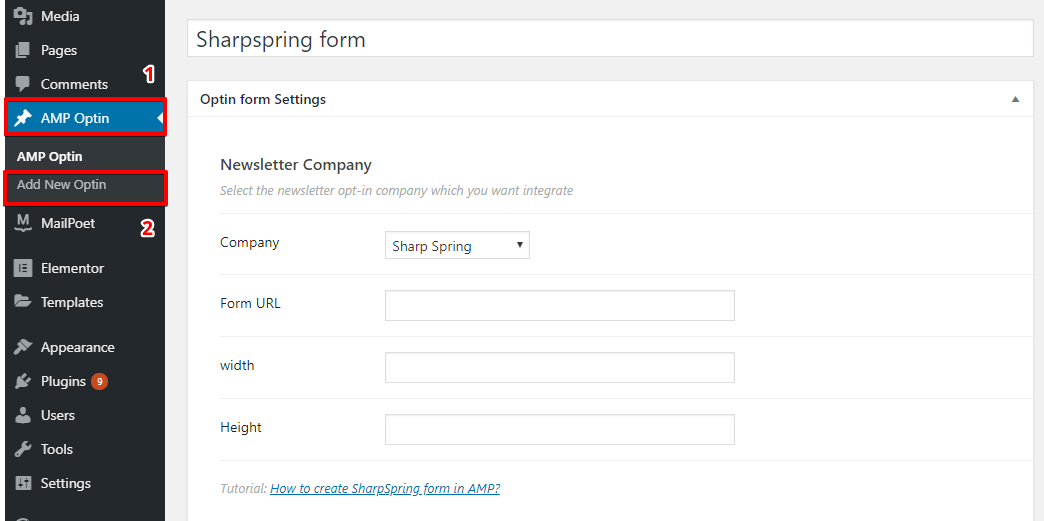
Step 3: Create a new AMP Opt-in

Step 4: Now select Sharpspring from Dropdown and add the link which we have copied place where you want to display the Sharpspring Form.


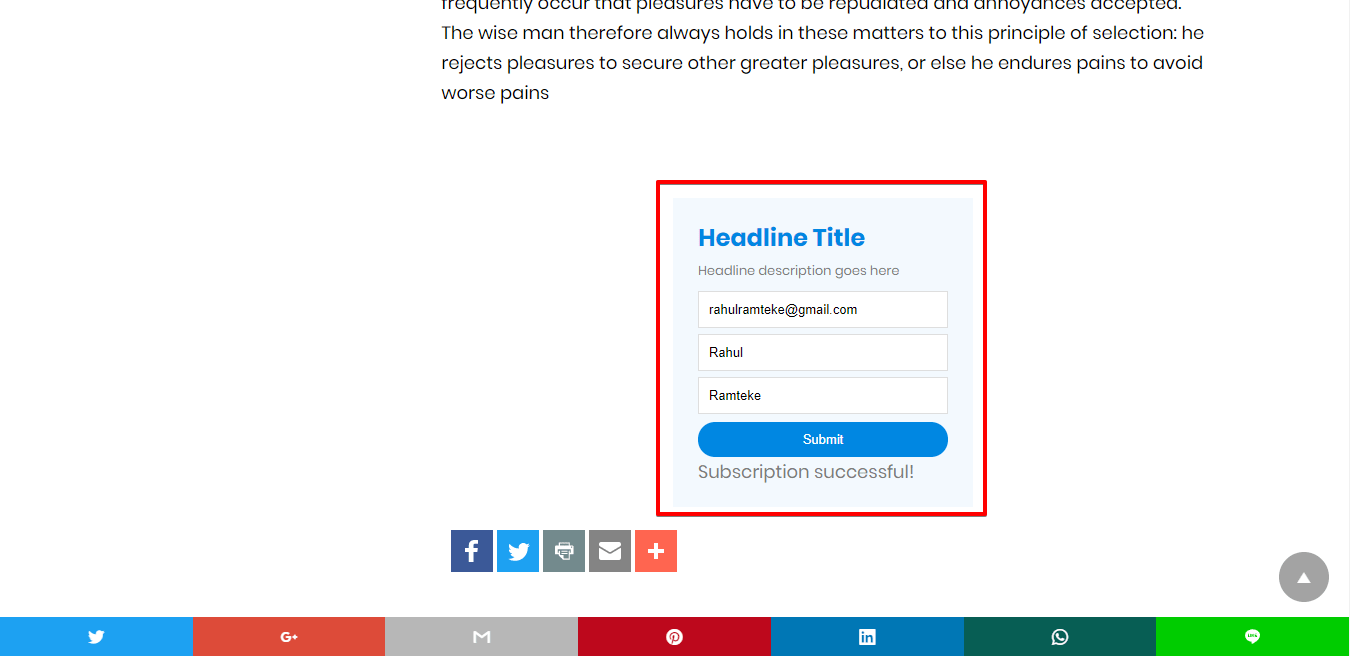
Done: Now you can use that shortcode for displaying on your website And you can also use the position option for displaying the AMP optin without manually adding the shortcode
Step 6: Go to the WordPress Admin Area -> AMP option panel-> AMP optin -> Postion select the required opt-in.