It is easier to show Instagram Embeds in AMP version of your website.
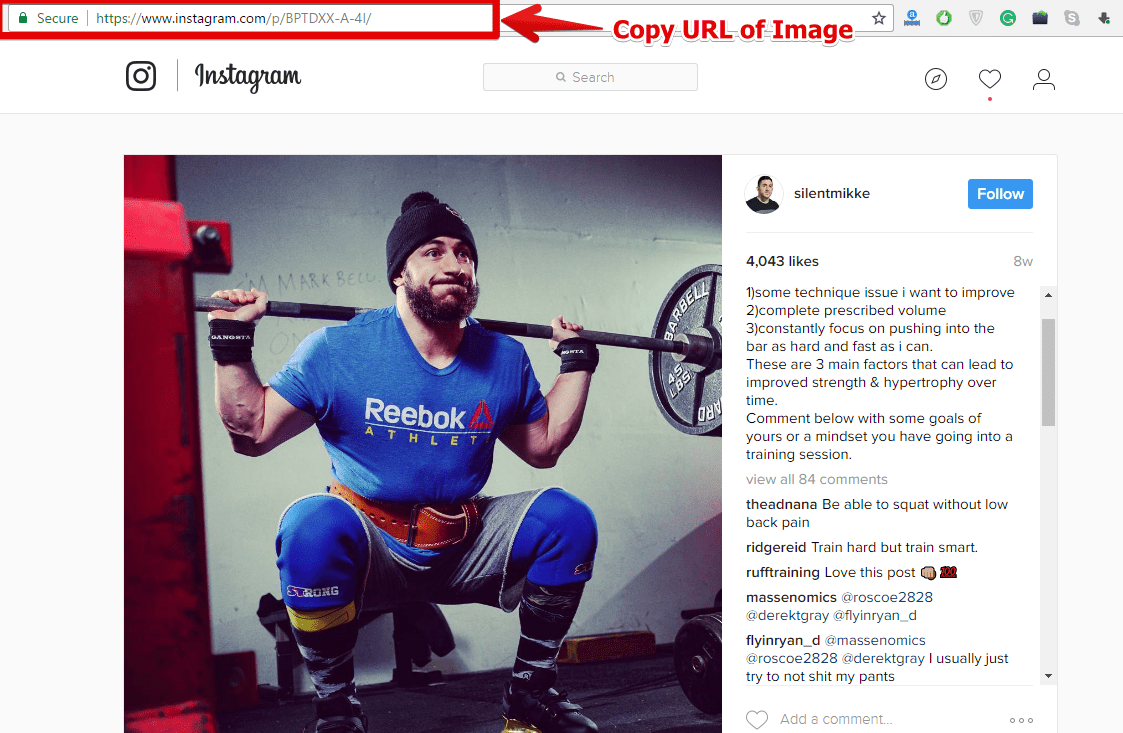
To Embed Instagram Images & Videos, Simply copy and paste the URL of your Instagram Image / Video. You need not to use any plugin to Embed Instagram Images & Videos
For Ex:
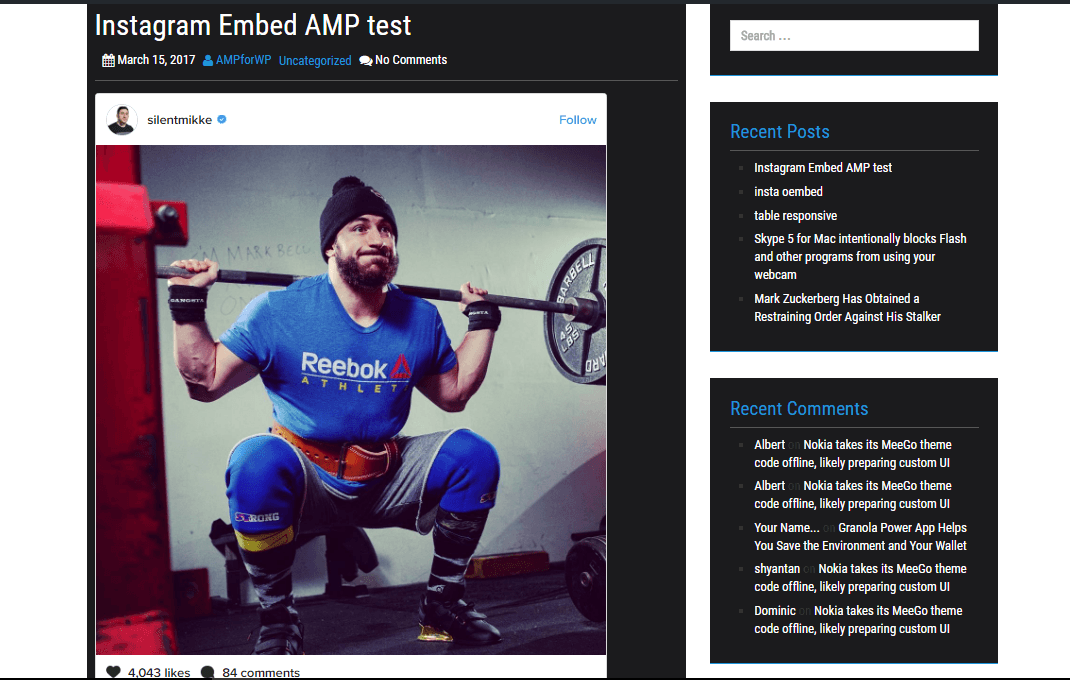
you can see Instagram Post successfully Embedded on desktop version of your website.
Which means you NO need to use plugins/complex codes to Embed Instagram Posts or Videos.
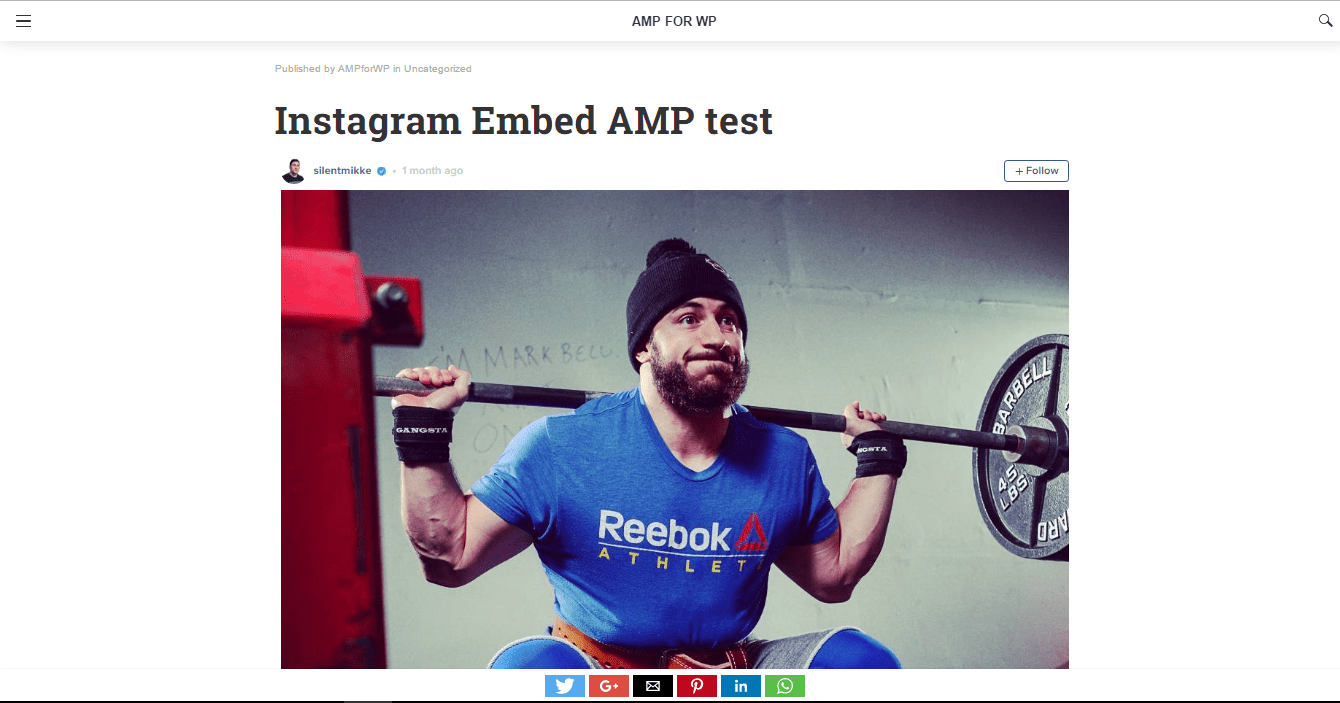
You can simply Copy & Paste Instagram post URLs to Embed in your website, which shows up even in AMP version of your website.
If you want to add an AWeber form in AMP then first you need to…
Webpushr is the fastest growing web push notifications platform that marketers love & developers rely…
Follow these steps to add Adobe Analytics in AMP Step 1: Go to WordPress Admin Area -> AMP…
Core Web Vitals are the subset of Web Vitals that apply to all web pages,…
The following reasons can be shown for non-indexing. Server error (5xx) Your server returned a 500-level…
We have added the Google Analytics 4 ( GA 4 ) integration in AMPforWP v1.0.80.…