Hello, Everyone!
This tutorial is about adding Gist in AMP.
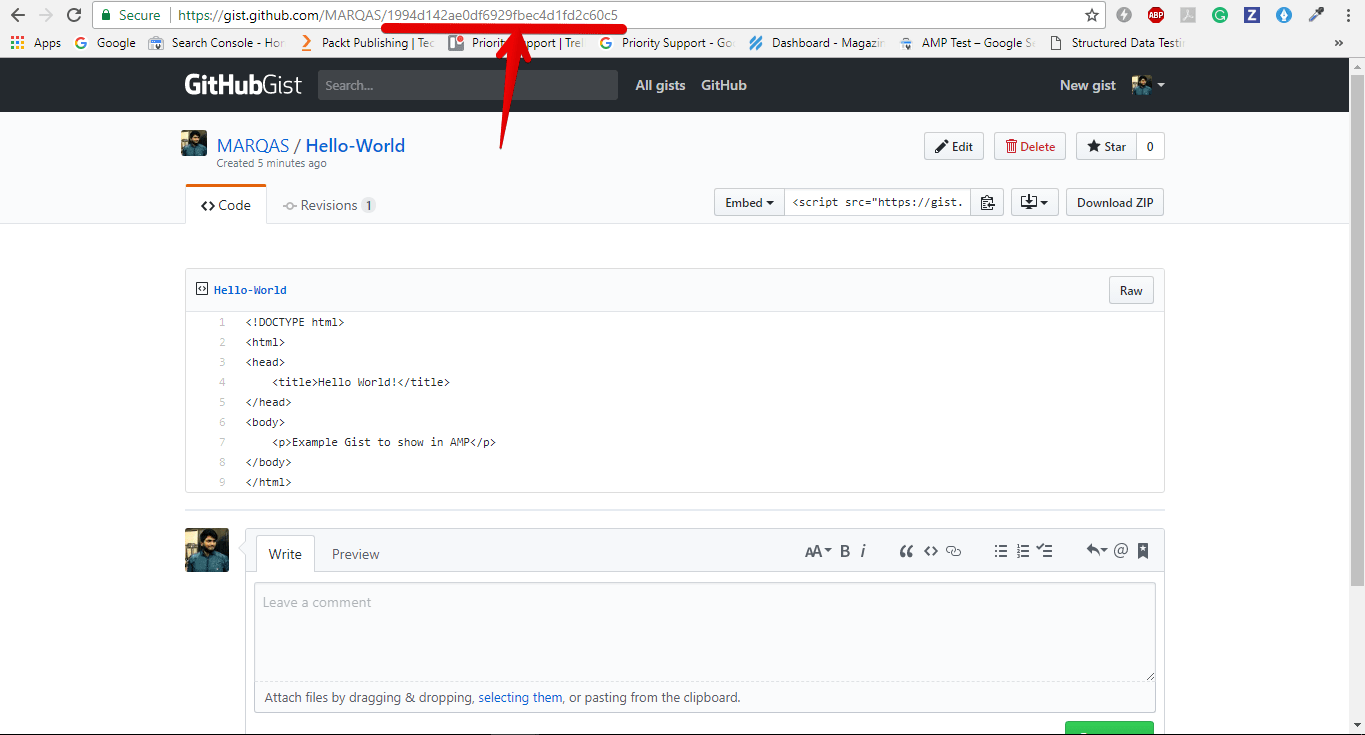
After creating a gist, copy the gist id from URL.
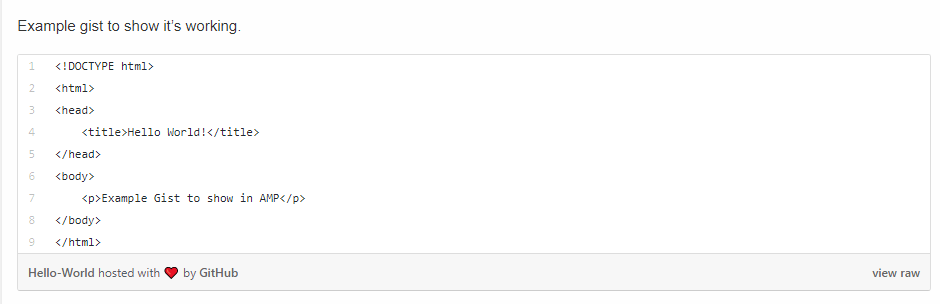
Add the AMP-Gist shortcode wherever you want to show the Gist in AMP.
Shortcode example: [amp-gist id="1994d142ae0df6929fbec4d1fd2c60c5"]
Hope it helps.
Teach people with Gist not with Fist 😉
If you want to add an AWeber form in AMP then first you need to…
Webpushr is the fastest growing web push notifications platform that marketers love & developers rely…
Follow these steps to add Adobe Analytics in AMP Step 1: Go to WordPress Admin Area -> AMP…
Core Web Vitals are the subset of Web Vitals that apply to all web pages,…
The following reasons can be shown for non-indexing. Server error (5xx) Your server returned a 500-level…
We have added the Google Analytics 4 ( GA 4 ) integration in AMPforWP v1.0.80.…